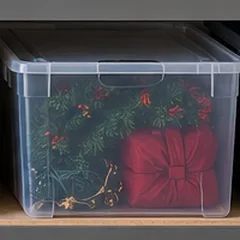
Halloween
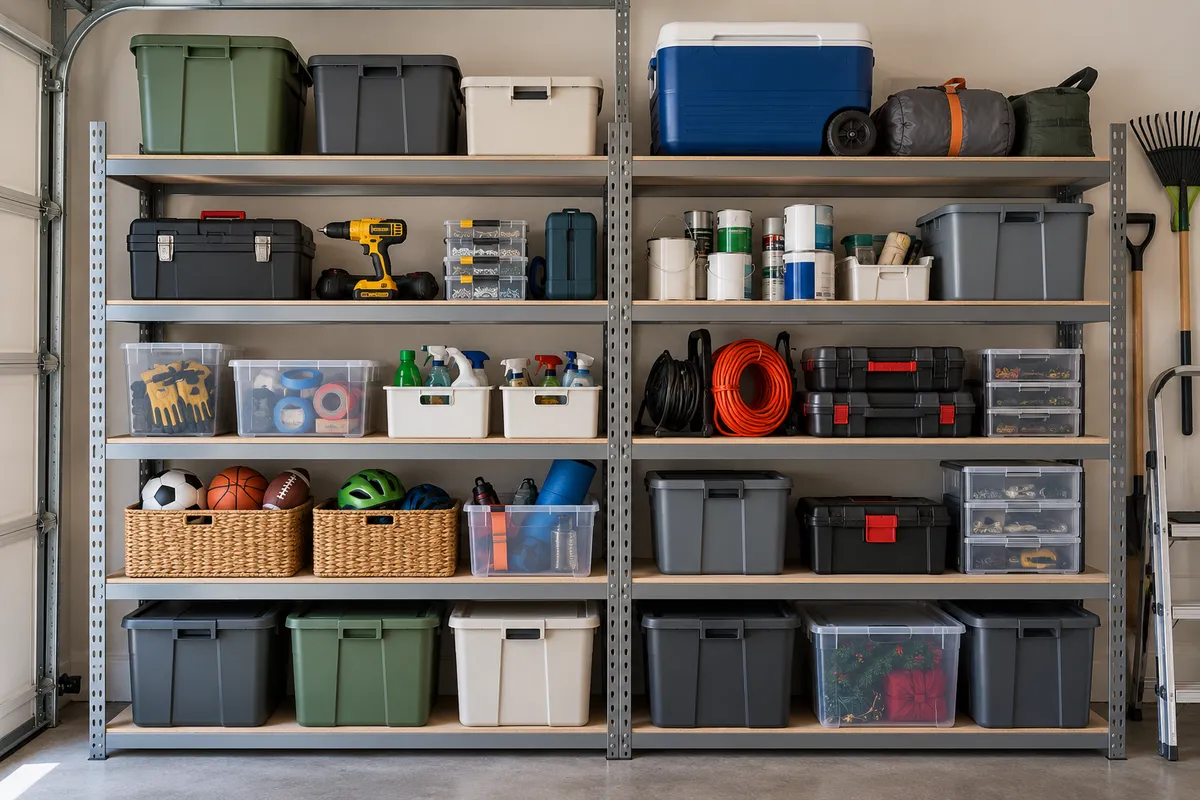
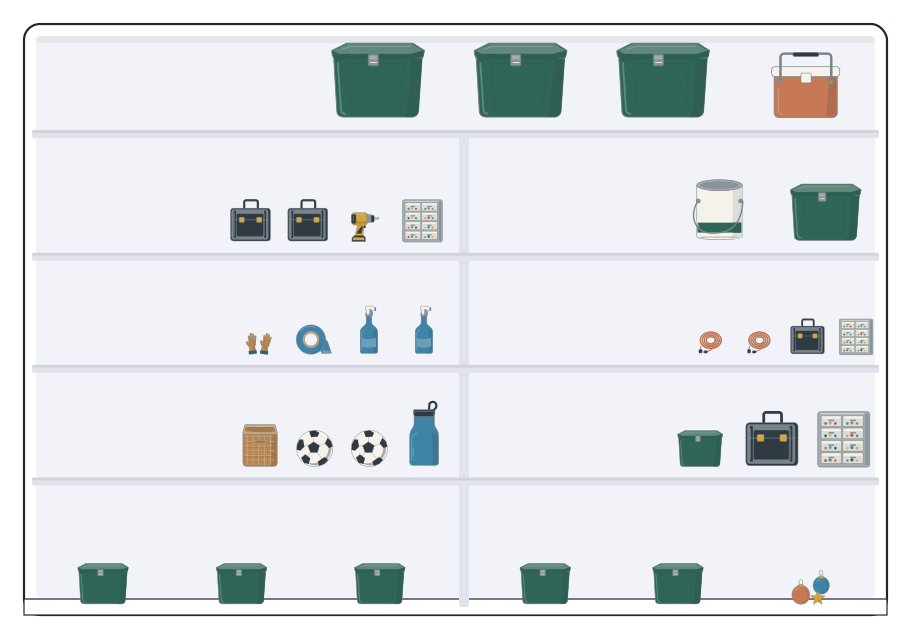
The costumes are in the garage tote you photographed last November. Ask, and the answer is G3.
Home inventory
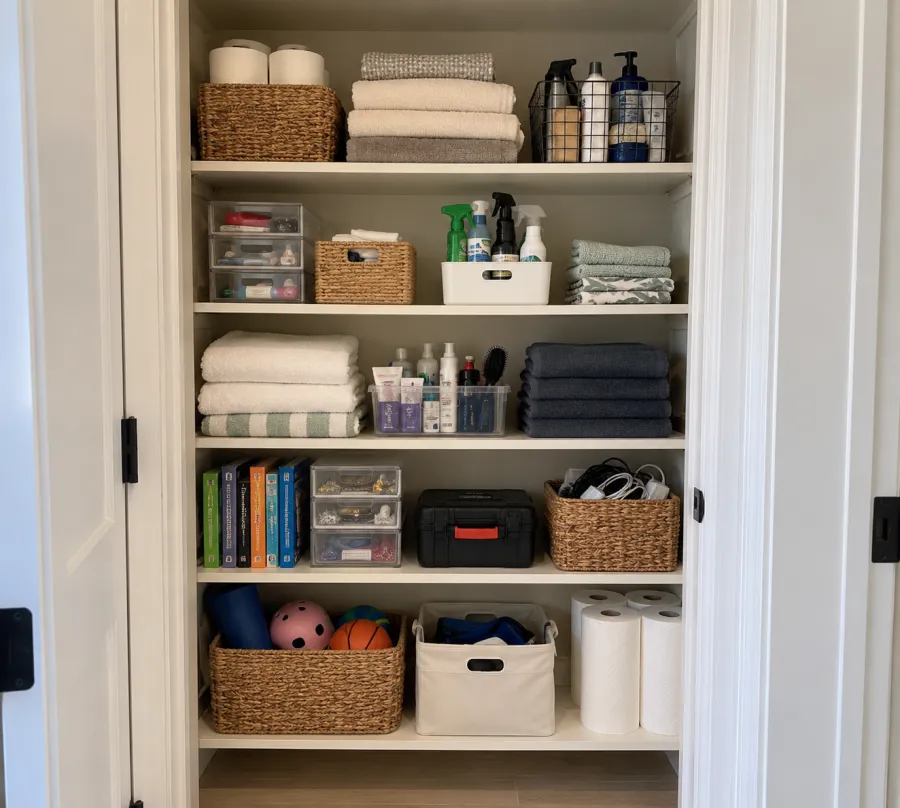
Photograph a drawer, a bin, or a closet once. Ask for the pool toys, the spare keys, or last year’s cleats months later, and get the room, the spot, and the label on the bin.
Nothing is added until you approve it. Documents are read once, then discarded.
Pickup is at 3:05 at Door B. Early dismissal every Wednesday at 1:50.
Hi families, great to have everyone back.
Practices are Tuesdays and Thursdays, 4:00 to 5:15, starting Sept 9 at Ridgeway Field (upper pitch). Our first game is Saturday, Sept 19 at 9:00, home.
Every player needs shin guards, cleats, a size 4 ball, and a water bottle. Please label everything.
Two quick things: the waiver is due this Friday, and I still need two families for the snack schedule. Oct 3 is open.
See you Tuesday, Coach Dana
Try gloves, charger, or keys
M2Mudroom binHow it works
Open a drawer, a tote, or a closet and take one photo. DrawerPilot names what is inside.
Each spot gets a short code, like M2, that matches a sticker on the bin.
Ask where the cleats are, or point the camera at the pool toys and see where they go.
The same photos check the shopping list, so you buy only what is missing.

Keep the camera steady. DrawerPilot labels what it sees.
Open a drawer, a bin, or a closet and take one photo. DrawerPilot names what is inside, gives the spot a short label, and remembers where it is. No typing, no spreadsheets.
Where are Maya’s cleats. Did we keep last year’s backpack. Which tote has the Halloween costumes. DrawerPilot answers with the room, the spot, and the label on the bin.
Try gloves, charger, or keys
Once a bin has a label, anything can be put back by whoever is holding it, and the seasonal swap becomes two taps instead of a conversation.
Snap an item. DrawerPilot points to the labeled spot.
Point the camera at what is in your hands. The answer is the room, the tote, and the label on it: G3, the blue tote in the garage.
Open any item and tap Put away or Take out. Pick who does it, and it lands on their list with the tote label. Summer clothes go up to the attic. Fall coats and the soccer gear come down.
Two taps from the item
Open anything you have photographed. Tap Put away or Take out, then pick who.
School days, practices, the game, the deadlines, and what is left to buy, on a plan the household shares. Nobody has to text you to ask.
This week
Sept 7 to 13 · 7 items · shared with Alex, Grandma Ruth, Priya
The calendar, the supply list, the pickup rules, and three forms, over four pages. Drop the PDF in and approve a sorted list in one tap, or edit it first.
Pickup is at 3:05 at Door B. Early dismissal every Wednesday at 1:50.
Add to the plan
Drop a file or a photo, or paste text. DrawerPilot sorts it. You approve it.
Tuesday, for Priya
Shared for this week only. Priya sees this screen and nothing else.
M2U1Pickup, practice, dinner, bedtime, and where the first aid kit lives, on one screen you share once. Your inbox and your calendar stay yours.
As the year goes on
The costumes are in the garage tote you photographed last November. Ask, and the answer is G3.
Pet care, plant watering, and the alarm code, shared with the house-sitter for that week only.
The new schedule pastes in the same way. Cleats are checked against the bin before you buy the next size.
Pricing
Start free and organize your own week. Add Pro when you want the rest of the house on the same plan.
$0for as long as you like
$5a month, or $50 a year
Privacy
DrawerPilot works from what you hand it. It does not read your inbox or your calendar on its own.
Common questions
Anything not covered here, write to hello@drawerpilot.com and a person will answer.
DrawerPilot is available now. Create an account, set up your household, and invite the people who share it.
Yes. Drop in the PDF, a photo of the printed sheet, or the text itself. DrawerPilot sorts what it finds into dates, things to buy, and things to sign, and you approve each group before anything is added.
DrawerPilot picks out the dates, the gear or supplies, and the to-dos, then checks the gear against the bins and drawers you have photographed. Anything you already own is marked found with its location. The rest goes on the shopping list.
Yes. Add a school calendar, sports schedule, daycare packet, or activity list, then review the grouped dates before anything is added.
You can add school, sports, daycare, activity, family, and other household schedules from connected calendars, PDFs, or ICS files.
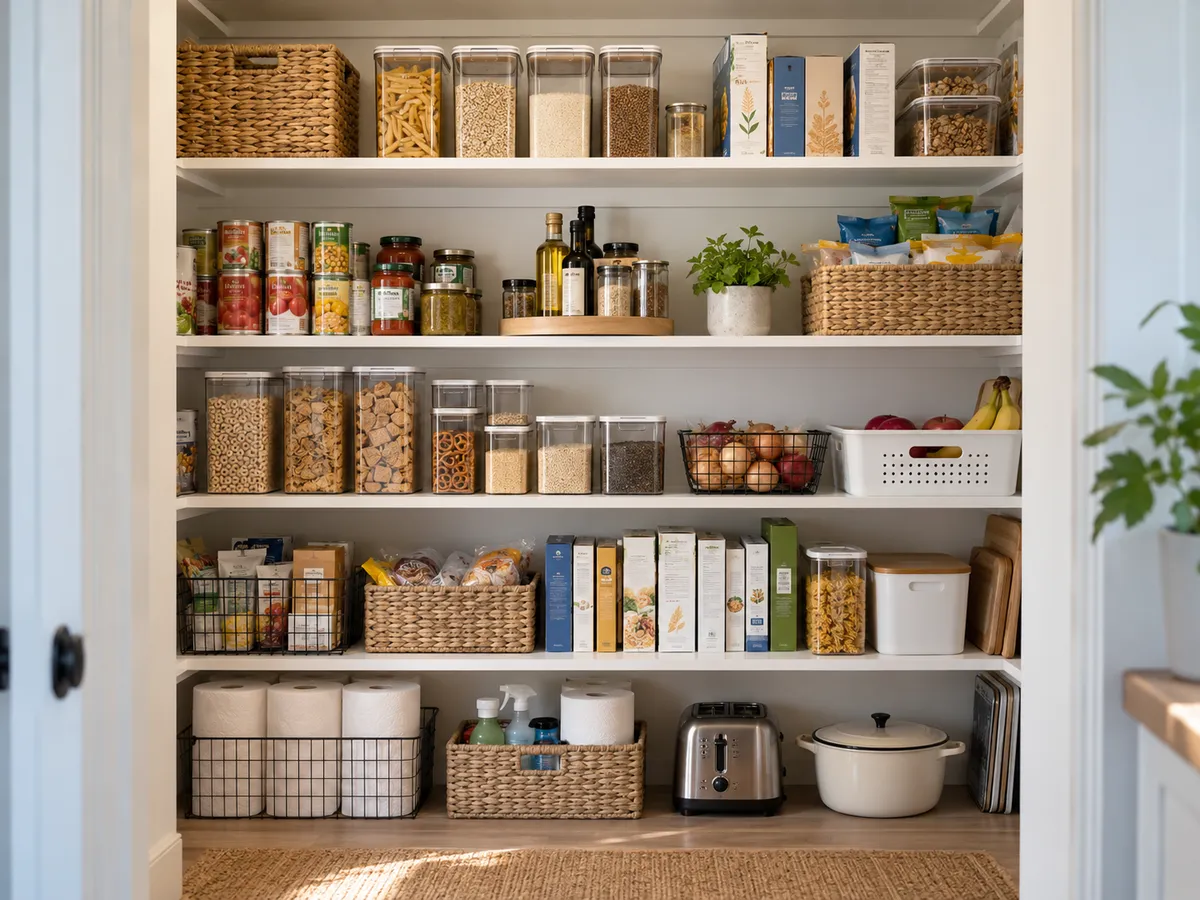
Photograph a drawer, shelf, tote, closet, or room. DrawerPilot remembers what is there so you can later ask where an item belongs.
No. You can keep people assignable for chores and calendars without giving them an account. Invite only the people who need to sign in.
Yes. Invite caregivers and service providers to the household information they need without sharing your personal inbox.
Only the calendars and events you choose. Contacts, email history, and unselected events stay outside DrawerPilot.
The file is read once to propose dates, supplies, and to-dos, then discarded. The same goes for pasted text. Nothing enters the household plan until you review and approve it.
Free covers one household with one person signed in and a monthly limit on AI features. Pro is $5 a month or $50 a year. It adds unlimited AI usage and lets you invite the rest of the household. One Pro plan covers everyone in it.
Drop in the packet tonight. Paste the coach’s email when it comes. Start the year with the plan already made.
We use analytics and ads cookies to measure the site and improve campaigns. Essential cookies keep the site working. See our Privacy Policy.