
Christmas light storage
Record which Christmas light set goes where.
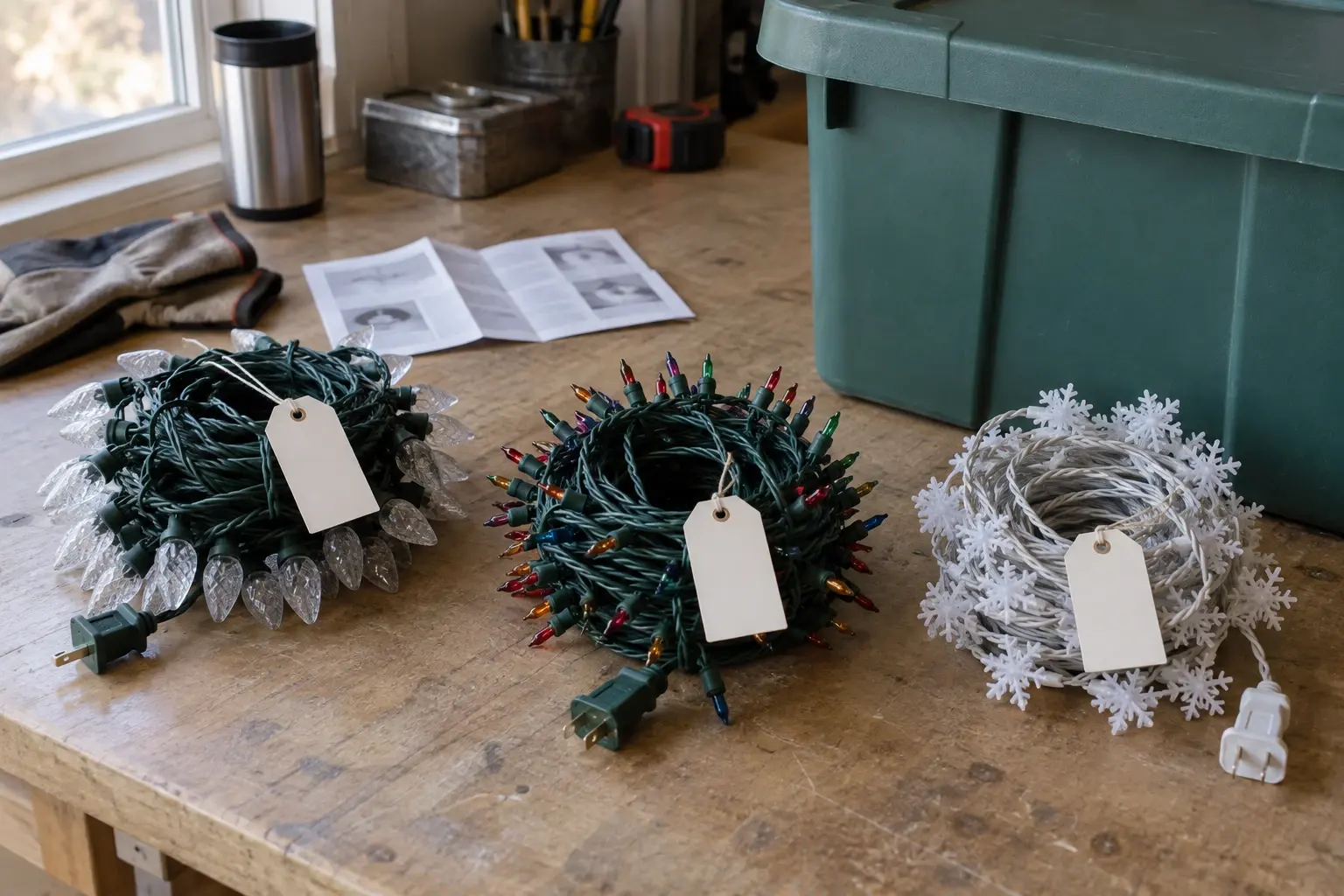
Give each reel a tag you recognize, note the display area it belongs to, and save the tote and shelf it lives in. Next December you find the porch lights without opening every holiday box.
Free to start. Record one light set.
What are you looking for?
Search for the display area. The result names the tag, the tote, and the shelf.
Example
Three reels, one tote, three display areas.
LIGHT-01 goes on the front porch, LIGHT-02 in the window, LIGHT-03 on the tree. All three live in XMAS-01 on the lower left shelf of the garage.
1The reels, tagged
2The record
XMAS-01 · Lower left shelf
Spot G8 in the garage. Three items, each named after its tag.
3Next December
Find
Search the display area, not the box.
Example with fictional data. Nothing is added to a household until someone approves it.
How it works
Three steps, start to finish.
- 1Tag the reelWrite a label you will recognize on the reel: LIGHT-01, front porch. The tag is yours; DrawerPilot records it as the item name.
- 2Record the reel and its toteAdd each reel as an item in the tote’s spot: XMAS-01, Garage · Lower left shelf. Put the display area in the item name, and set a photo on the spot if you want a setup reference.
- 3Bring out, put back, updateIn December, search for the porch lights and the answer is the reel and the tote. In January, put the reel back and change the record only if the tote moved.
One limit. DrawerPilot records labels you wrote. It does not check whether a light set works, how many strands can be joined, or where they can be safely installed. The manufacturer’s instructions cover that.
What it does.
- The tag on the reel is the item name. The same words on the paper tag and in the app, so the box and the search agree.
- The same tote every year. XMAS-01 on the lower left shelf, this year and next. Update the spot only when it moves.
- Search the display area. Search for porch lights and the result names the reel, the tote, and the shelf. Smart Search is part of Pro.
January
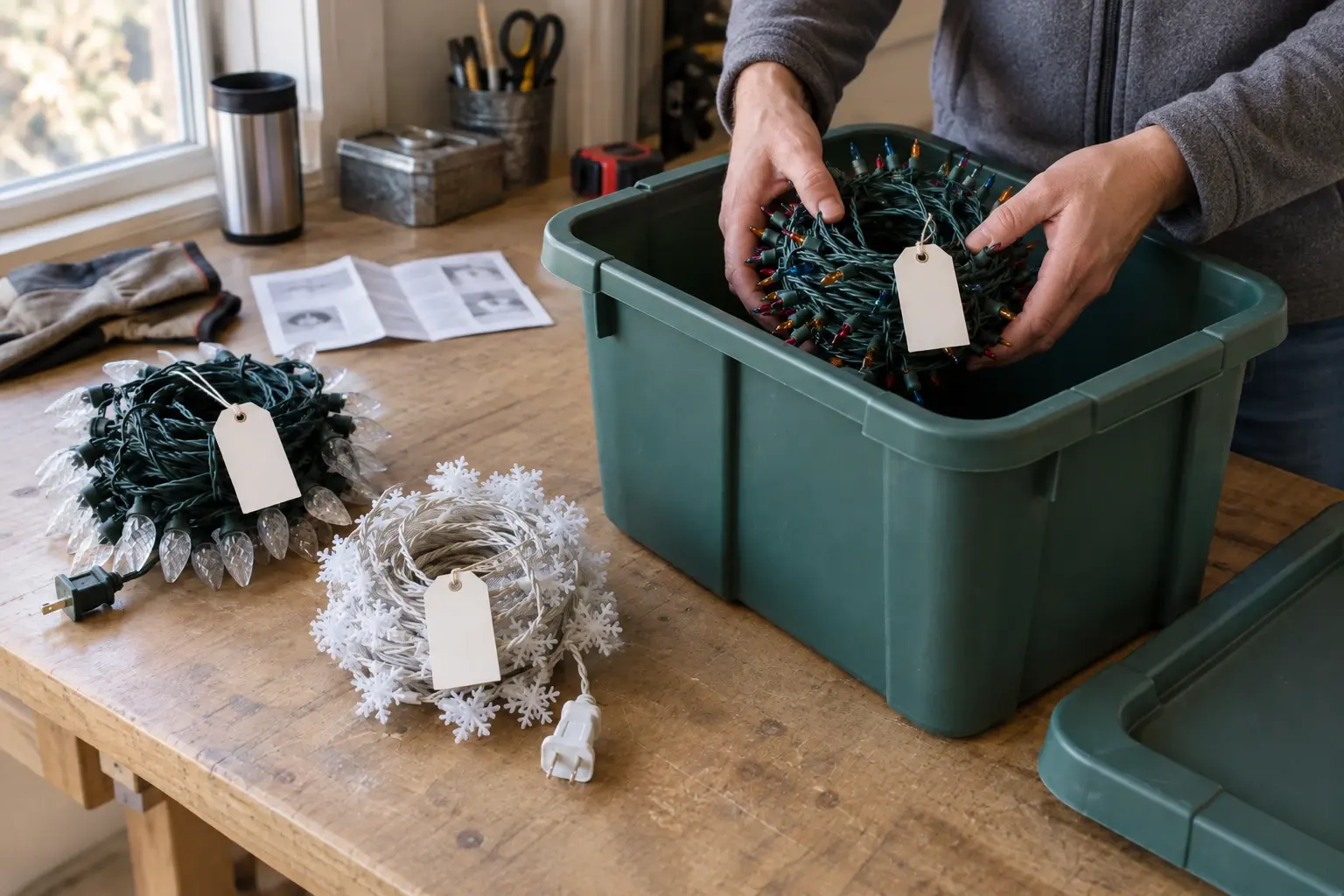
In January, put the reels back in the same tote.
The tag goes back on the reel, the reel goes back in XMAS-01, and the record is already right. If the tote moved to a new shelf, move the items.
FAQ
Common questions.
Can I record which light set went on the porch or tree?
Yes, as the item name you write: LIGHT-01, front porch. DrawerPilot does not recognize where a strand was installed; the record is what you type.
Does DrawerPilot check whether the lights are safe or compatible?
No. It keeps a record of what you own and where it is. Testing a set, joining strands, and installing them follow the manufacturer’s instructions.
Can I keep a photo of last year’s setup?
You can set a photo on the spot, so the tote’s record opens with the picture of how the porch looked.
Can I use this for other holiday decorations?
Yes. The storage features handle any stored thing. The holiday storage guide has the general method and a worksheet; this page keeps to light sets.